Your feed,on your page.
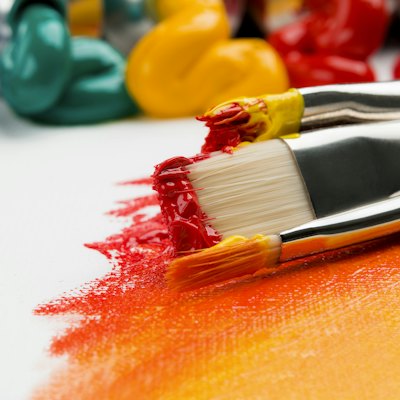
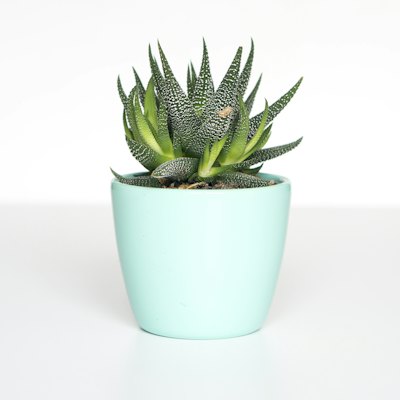
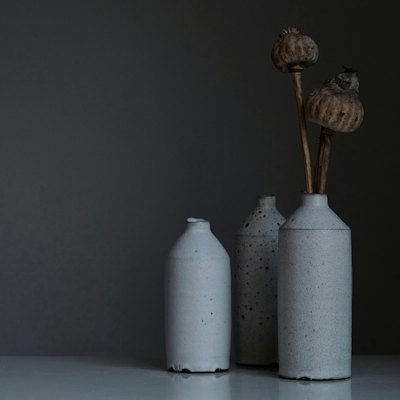
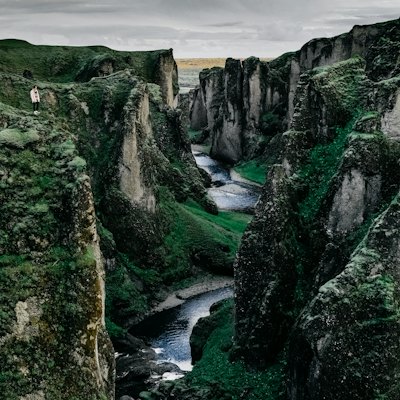
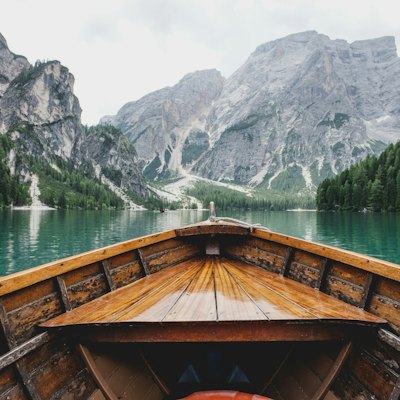
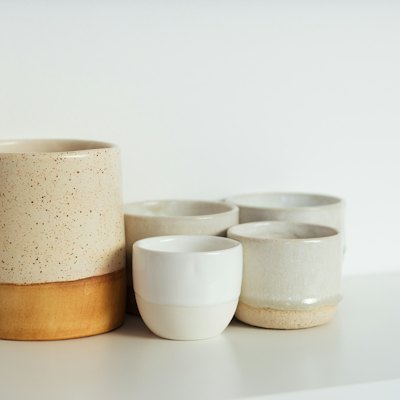
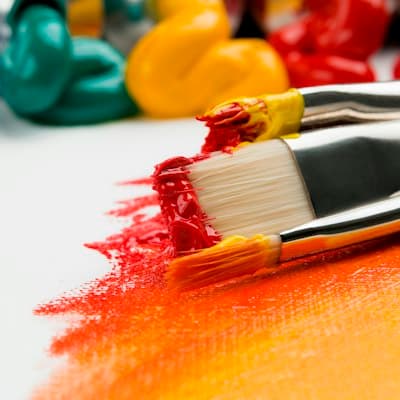
When Hiya sets up your page from Instagram, it can bring in your latest posts as a photo grid. Each photo opens its post, and you can see which ones get tapped.
Go live free for 14 days, no card needed. Then $8 a month, or $72 a year.
 Ivy Rose CeramicsHandmade pots, Galway
 Shop the kiln dropPottery classes



How it works
Set up in three steps.
- 1
Start from Instagram
Tell Hiya your Instagram during setup. It shows your latest posts, and you can leave out any you'd rather not show.
- 2
Get a photo grid
Up to nine photos land on your page in a grid three across, each one linking back to its post.
- 3
Add your own pictures
For photos that lead to your shop, portfolio or bookings, upload your own picture to a link and show them in a grid or a swipeable row.
What you can do
Everything it can do.
A grid of your latest posts
The photo grid shows up to nine of your recent Instagram posts, three across. Every photo opens its own post. The photos are saved with your page, so they don't disappear when Instagram's image links expire.
Move it, hide it, schedule it
Give the grid a title, drag it anywhere on your page, hide it, or schedule it like any other block. The photos are the ones Hiya brought in; swapping single photos in the grid isn't possible yet.
Picture links in grids and carousels
Upload your own picture to any link, then put links in a collection shown two across or in a sideways row people swipe through. Each tile is a photo with a title that goes wherever you like: a print shop, a listing or a booking page. A featured link shows its picture big across the top.
A Media tab on the Social layout
With the Social header layout, your page reads like a profile, and your photo grid gets its own Media tab beside your links.
Products with pictures
Recommending things you use? A picks block holds up to 24 products, each with a photo, name, price and store, linking to your own affiliate links under a clear disclosure line.
See which photo gets tapped
Analytics break the photo grid down photo by photo, so you can see which post pulls people in.


Keep exploring
Goes well with these.
- AI setupHiya builds your page from your socials in about a minuteSee how it works
- Video and musicYouTube, Vimeo and TikTok videos that play on your pageSee how it works
- Header layouts12 ways to show your photo and name at the topSee how it works
- Link stylesAnimated, spotlight and grouped links that stand outSee how it works




Guides and free tools
- 4 min readHow to add a link to your Instagram bioStep by step: how to add a link to your Instagram bio, how many links you can show, how to add links to Stories, and how to make one link do more.Read the guide
- 4 min readLink in bio ideas: what to put on your pageNot sure what to put on your link in bio page? Ideas for creators, makers, shops and pros, plus how to order them so people tap the thing that matters.Read the guide
- NewInstagram Grid MakerSplit one photo into a 3, 6 or 9 post profile grid.Open tool
- NewCarousel SplitterCut a panorama into slides that join up as people swipe.Open tool
- NewImage CompressorMake images smaller without uploading them anywhere.Open tool
- Image Resizer for Social MediaCrop and resize images to social media sizes.Open tool
FAQ
Questions, answered.
Can I add my own photos to the grid?
Not to the Instagram grid. For your own photos, upload a picture to each link and show them in a grid collection or a swipeable row. Each one links wherever you choose.
Does the grid update when I post on Instagram?
No. It shows the posts Hiya brought in when it set up your page. It doesn't follow your feed as you post.
How many photos can the grid show?
Up to nine, three across. You choose which of your latest posts to include during setup.
Where do the photos link?
Each photo opens its own post on Instagram. For photos that link somewhere else, use picture links in a collection instead.
Can I take the grid off my page?
Yes. Hide it to keep it for later, schedule it, or delete it for good.
Can I see which photo gets the most taps?
Yes. The grid's stats are split by photo, so you can see which post people tap most.