Make the onethat matters pop.
Give your most important link a little motion, a big picture or its own spot at the top. Group the rest into collections people can scan in a second.
Go live free for 14 days, no card needed. Then $8 a month, or $72 a year.
 Lou CarterSurf coach in Lahinch, Co. Clare
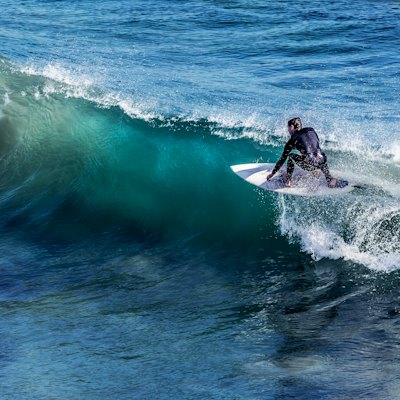 Today's surf report🏄Beginner🌊ImproverLatest video

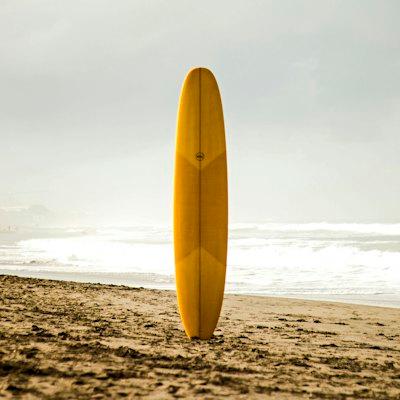
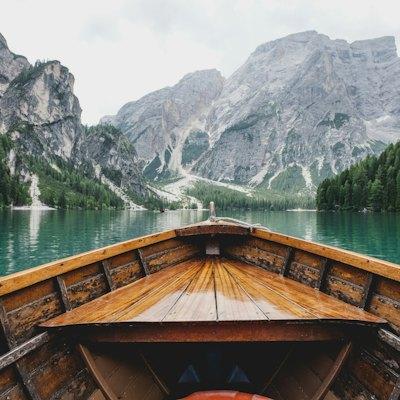
How it works
Set up in three steps.
- 1
Pick a link
Open it in the editor.
- 2
Choose a style
Spotlight it with a big picture, or add an animation from its power-ups.
- 3
Arrange the rest
Put links under a heading and show them as a list, a grid or a carousel.
What you can do
Everything it can do.
Eleven animations
Glow, pulse, shimmer, orbit, sparkle, pop, bounce, wiggle, shake, electricity and glitch, roughly from calm to loud. They're plain CSS, so nothing extra loads. Visitors who've asked their phone for reduced motion see the link still.
Spotlight links
Switch a link to the featured layout and its picture runs big across the top of the button. Use it for the new video, the tour or the drop. Pictures fill in from the site you paste, and you can upload your own instead.
Collections
Put links under a heading to make a collection, then choose how they show: a plain stack, a grid two across, or a carousel visitors swipe through. Handy for episodes, products or a back catalogue.
Confirm before it opens
Mark a link as sensitive, 18+ or 21+ and visitors confirm before it opens. Once they've confirmed, it opens straight away for them next time.
Check what works
Every link has its own stats. Look at a link's click rate before and after you style it, and keep whatever moves the number.



Keep exploring
Goes well with these.
- Scheduled linksLinks that appear and disappear on their ownSee how it works
- AnalyticsViews, clicks and where visitors come from, for 90 daysSee how it works
- Broken link checkerWe check your links and tell you when one breaksSee how it works



Guides and free tools
- 4 min readLink in bio ideas: what to put on your pageNot sure what to put on your link in bio page? Ideas for creators, makers, shops and pros, plus how to order them so people tap the thing that matters.Read the guide
- 4 min readHow to switch from Linktree to HiyalyMoving from Linktree to Hiyaly? Bring your links over, rebuild your page, then swap the link in every bio. A calm, step by step plan that keeps clicks flowing.Read the guide
- CTR CalculatorYour click-through rate, a benchmark and what a better CTR adds.Open tool
- Emoji Copy and PasteSearch, click and copy emoji, or build a string.Open tool
- Aesthetic SymbolsStars, hearts, dividers and kaomoji to copy and paste.Open tool
FAQ
Questions, answered.
Do animations slow my page down?
No. They're made with CSS, with no extra scripts to load, and they stop for visitors who prefer reduced motion.
How many links can I animate?
As many as you like, though one or two moving links stand out far more than ten.
What's a spotlight link?
A link in the featured layout: its picture shows large across the top of the button, so it reads like a card with a cover.
Can I use my own picture for a link?
Yes. Hiyaly fills one in from the site when you paste the link, and you can upload your own instead.
Do link styles work with every theme?
Yes. Animations, spotlight links and collections all use your theme's buttons, so they fit whatever look you pick.