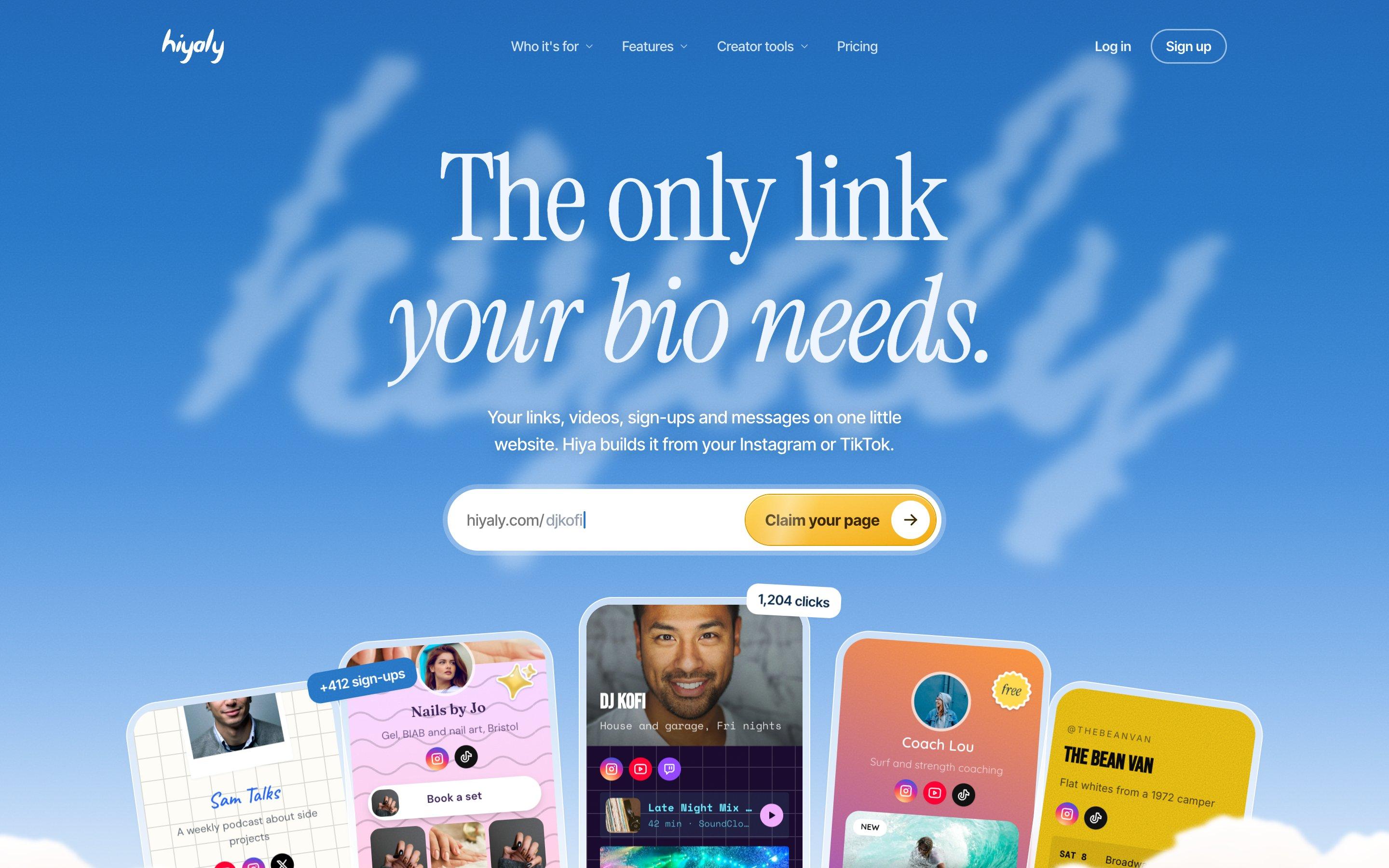
The short answer: if you want people to book a session and join your email list from the same bio link, the tools that do both on one page are Hiyaly ($8 a month), Stan ($29 a month), Beacons (free, then $10 to $100 a month) and Linktree (free bookings on every plan, paid bookings from Pro at $17 a month). If you'd rather keep a scheduler you already know, any link in bio page plus Calendly works too, and Carrd with an embedded scheduler is the cheapest full website.
For most solo coaches, tutors, therapists and creators who charge for calls, the real choice is between Hiyaly and Stan. Hiyaly costs less and takes 0% of your bookings. Stan costs more but adds courses, funnels and email broadcasts. If your sessions are free, Linktree's free plan is hard to argue with.
We make Hiyaly, so we're biased, and we'll say where another tool fits you better. Prices are in US dollars and were checked in November 2026. Some tools charge differently by country, so check their pricing page before you pay.
What to check before you pick
"Booking and email capture" sounds like one feature. It's really four questions, and the tools differ on each.
- Can people pay when they book? Some tools only take free bookings on cheaper plans. If you charge for sessions, this decides the plan you need.
- Does it sync with your calendar? Good sync means your busy times are blocked, each booking lands in your calendar, and changes on either side carry over.
- Where does the email list live? Some tools keep the list inside their own dashboard. Others send it to Mailchimp, Kit or Klaviyo. Check you can export it.
- What does it cost over a year? Add the plan, any fee on each booking, and any second tool you need to make it work.
Hiyaly
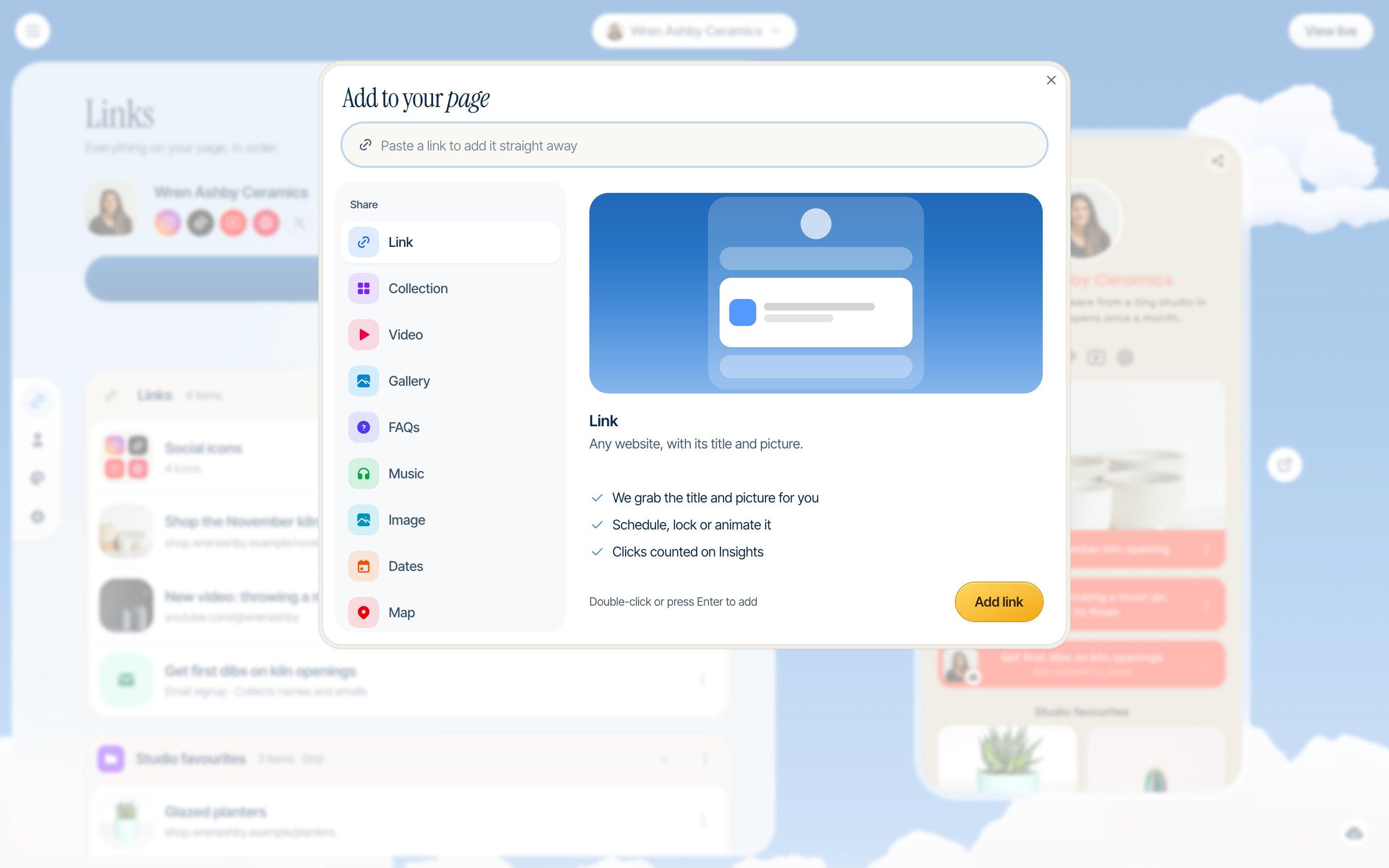
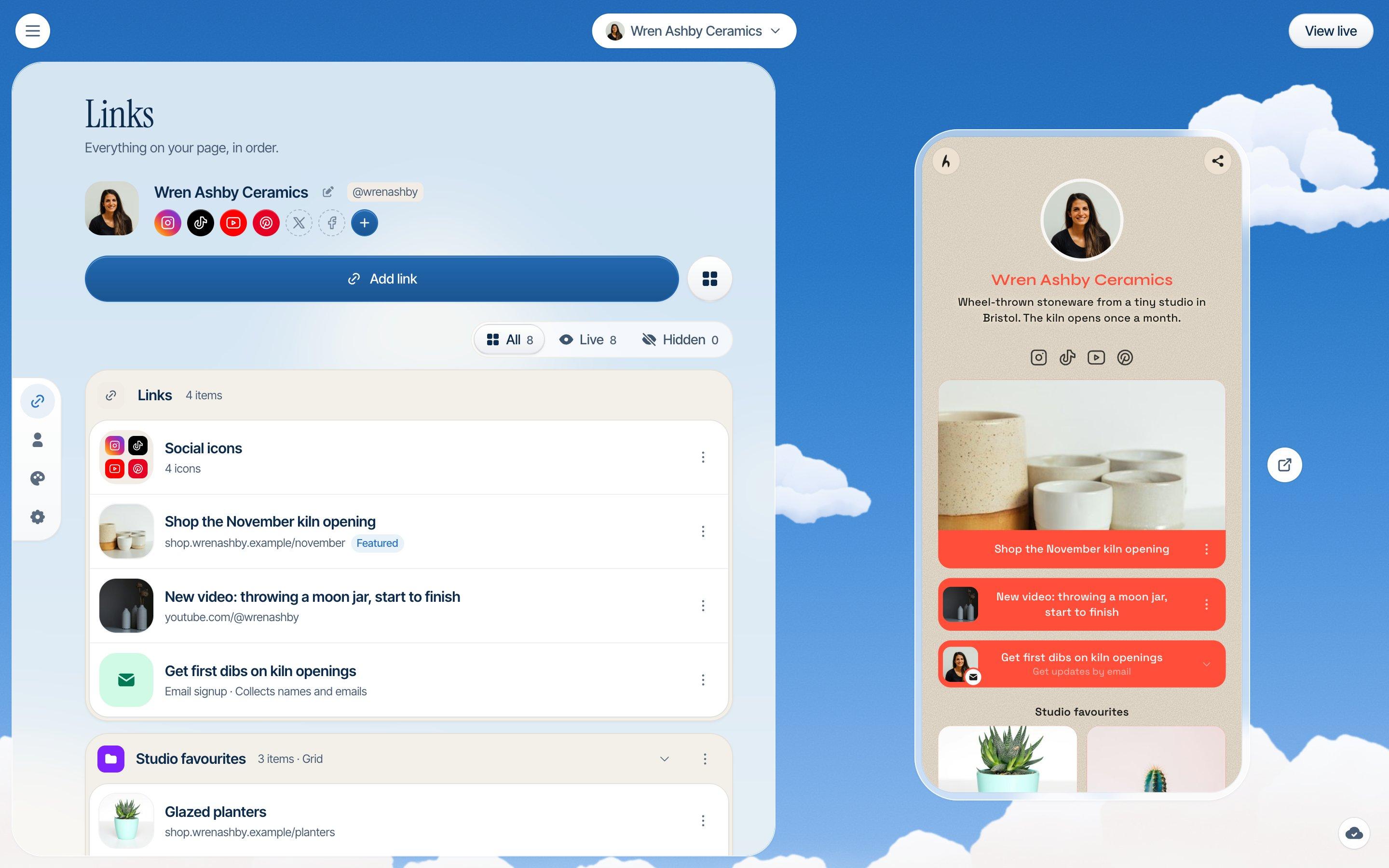
Hiyaly is our link in bio tool. Bookings and email sign-ups are both blocks on your page, so a visitor can book a call and join your list without leaving it.
The Bookings block takes free or paid calls from your Google Calendar. Hiyaly checks your busy times so taken slots never show, and each booking becomes a calendar event with the visitor invited and a Google Meet link added. Paid bookings go through Stripe Checkout into your own Stripe account. Hiyaly takes 0%, so Stripe's processing fee is the only cost. Visitors can reschedule or cancel up to a cut-off you choose (2, 12, 24 or 48 hours), and a paid booking cancelled in time is refunded in full.
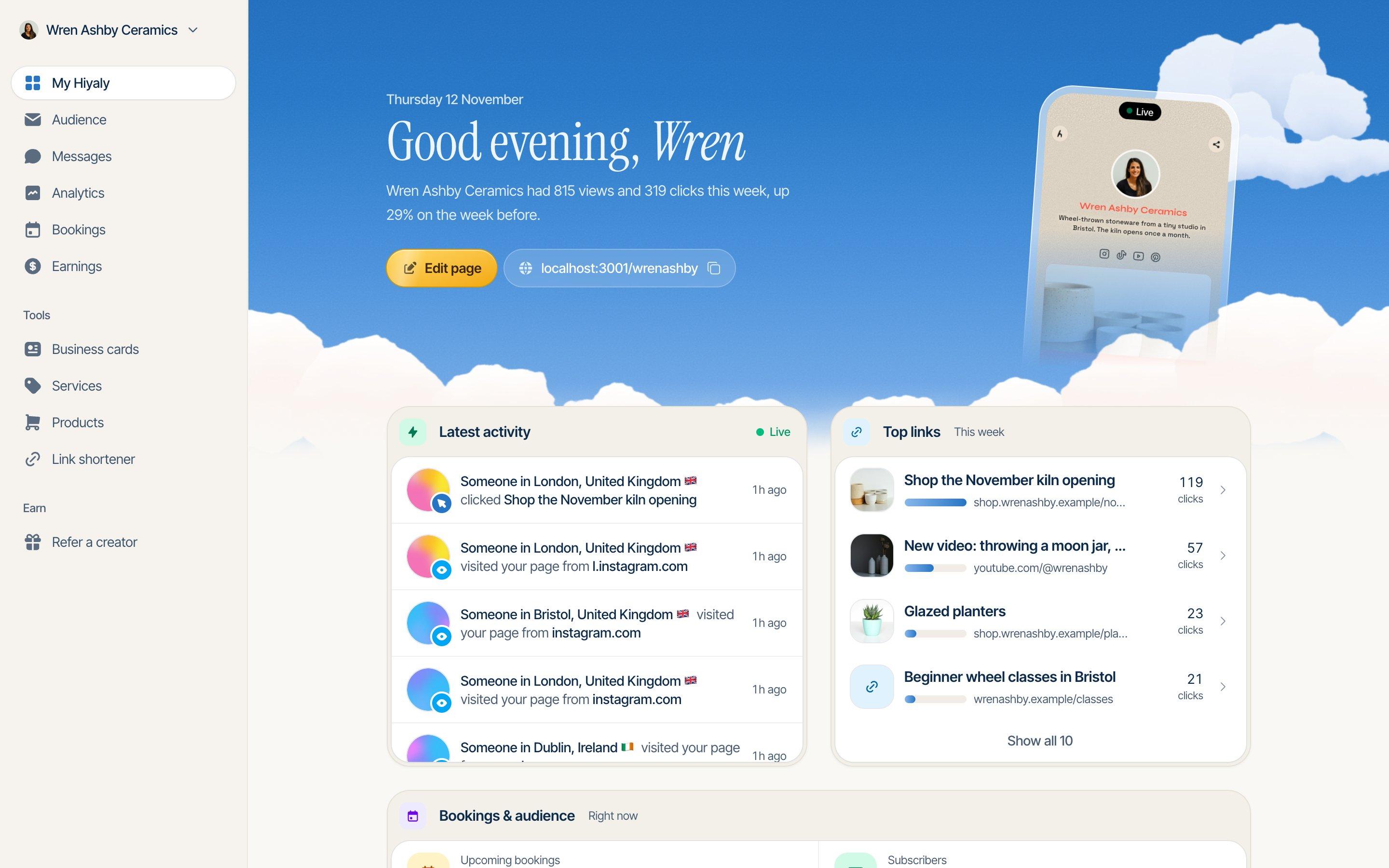
The Email signup block collects a name and email. Your list lives in the Audience page, where you can export it as a CSV, and it can sync to Mailchimp, Klaviyo, Kit, beehiiv, Flodesk or Google Sheets. There's also a Discount code block you can lock to subscribers, so people join your list to see the code.
What it doesn't do: there's no free plan (you can build and preview free, and there's a 14-day trial). Paid bookings take the full price, with no deposits. It works with Google Calendar only, not Outlook or Apple. And it doesn't send email newsletters itself; that's what the integrations are for.
- Bookings
- Free or paid, Google Calendar, Meet link added
- Fee on bookings
- 0% from Hiyaly, Stripe processing only
- Email capture
- Built in, CSV export, six integrations
- Price
- $8/month or $72/year (£6 or £54 in the UK)
More on the Bookings feature and email list feature.
Stan
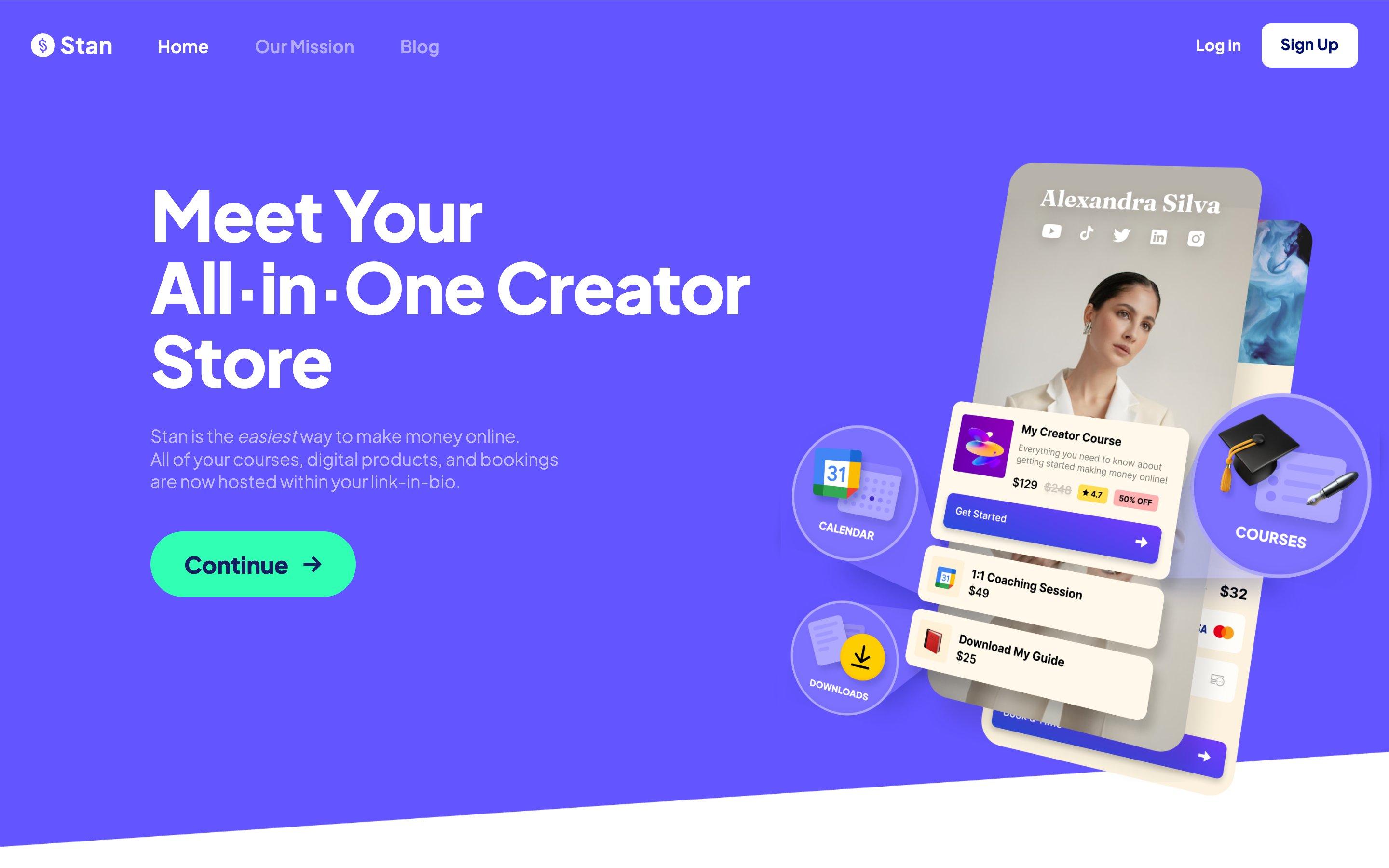
Stan is a store first, and it's very good at selling calls. Its Creator plan includes calendar booking with Google Calendar sync and email collection, and Stan takes 0% of your sales (Stripe or PayPal fees still apply).
Where Stan pulls ahead is email. Broadcasts and automated flows are built in on Creator Pro, so you can send to your list without a separate email tool. If you also sell a course or a coaching programme, Stan handles that too.
The catch is price. There's no free plan, just a 14-day trial, and Creator is $29 a month ($300 a year). Creator Pro, the plan with broadcasts, is $99 a month. That's a lot if you take a handful of calls a month.
- Bookings
- Paid calls with Google Calendar sync, on Creator
- Email capture
- On Creator; broadcasts and flows on Creator Pro
- Price
- Creator $29/month, Creator Pro $99/month
Weighing it up? See Hiyaly vs Stan.
Beacons
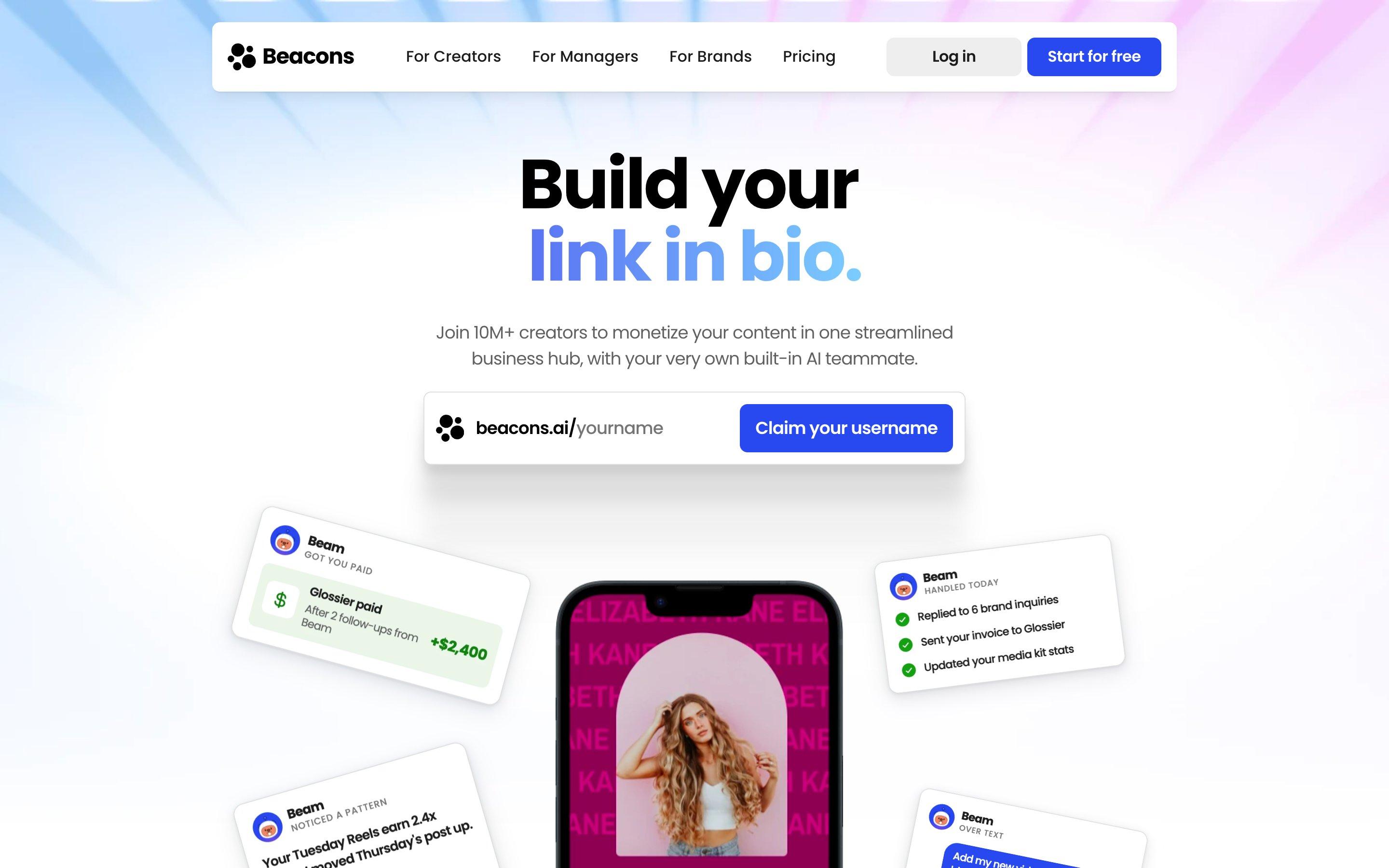
Beacons is an all-in-one creator account: link in bio, store, email and media kit under one login. It has appointments with Google Calendar sync, and checking several calendars at once needs Creator Plus.
Email is a strong point. You can collect sign-ups and send emails from Beacons itself: 50 sends a month on Free, 500 on Creator, and unlimited on Creator Plus.
The thing to watch is fees. Beacons keeps 9% of digital sales on its Free and Creator plans, and 0% on Creator Plus ($30 a month) and Creator Max ($100 a month). Check their pricing page for how that applies to paid appointments on the plan you're looking at.
- Bookings
- Appointments with Google Calendar sync
- Email capture
- Built in, with 50 to unlimited sends a month
- Price
- Free, Creator $10, Creator Plus $30, Creator Max $100 a month
More in Hiyaly vs Beacons.
Linktree Pro
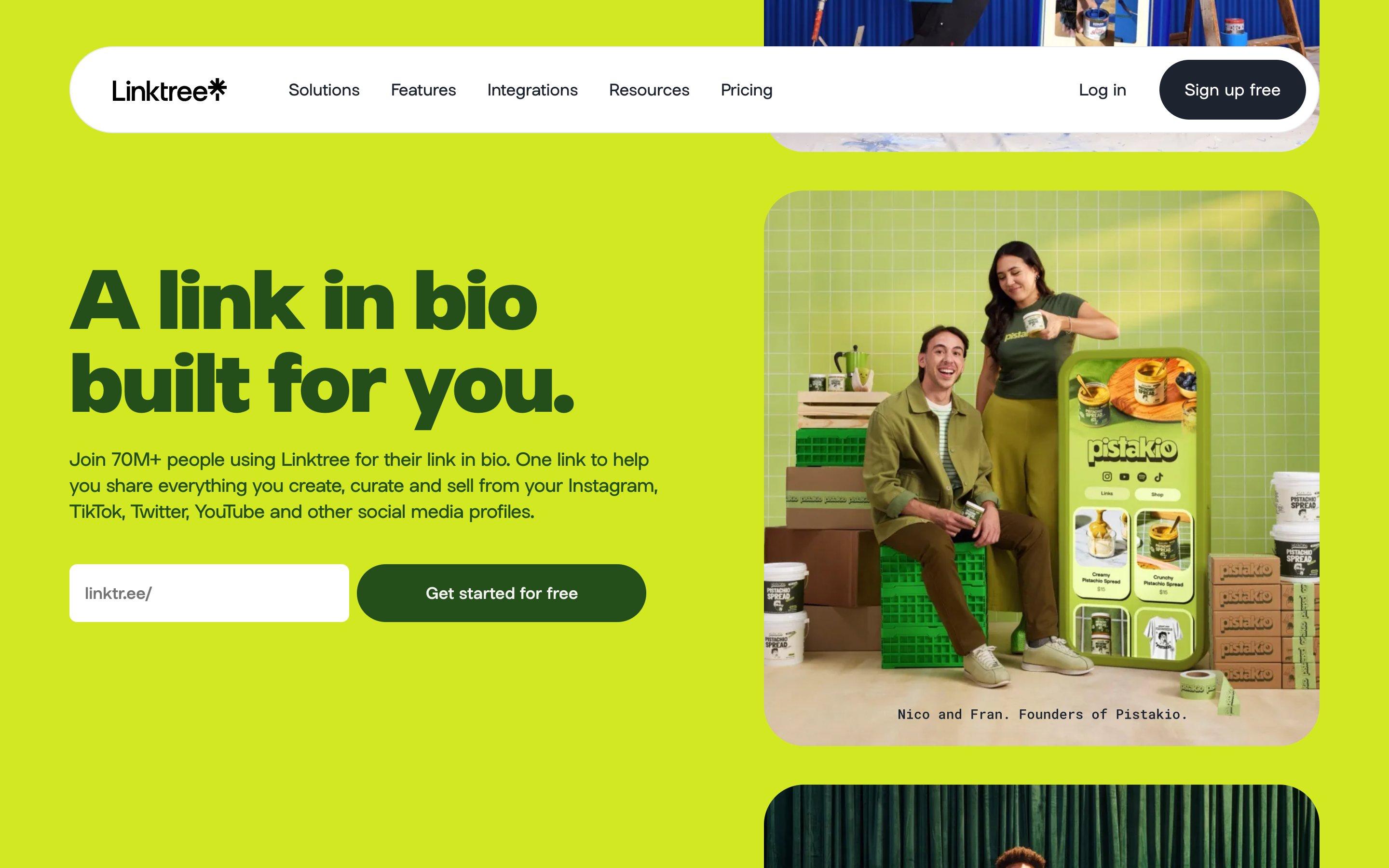
Linktree collects emails on every plan, including Free. Bookings are there too, but with a split: Free and Starter can only offer free bookings. Paid bookings need Pro ($17 a month, or $168 a year billed yearly) or Premium ($35 a month), and they're available in some countries only.
On Pro, paid bookings run through Stripe with Google Calendar sync, at 0% Linktree fees, with Stripe's 2.9% + $0.30 on top. Linktree also lets you embed Calendly on every plan, which is handy if you already use it.
Syncing your list to Mailchimp, Kit, Klaviyo or Google Sheets appears to need Pro, but Linktree's pages don't agree with each other, so check their pricing page.
- Bookings
- Free on all plans; paid on Pro and Premium
- Email capture
- All plans
- Price
- Free, Starter $9, Pro $17, Premium $35 a month
For a closer look, see Hiyaly vs Linktree or our breakdown of Linktree pricing.
Link in bio plus Calendly
Plenty of people don't need booking built into their link page at all. They use a link in bio tool for links and email sign-ups, and a separate scheduler like Calendly for bookings, linked or embedded on the page.
This makes sense if you already run your diary in Calendly, or you need things a link in bio tool doesn't do. Calendly's free plan covers one event type and one connected calendar. Taking payments through Stripe or PayPal needs Standard, at $10 a seat a month billed yearly.
The downside is two tools, two logins and two bills. Visitors also leave your page to book, which is one more step where some of them drop off. And the email list still has to come from your link in bio tool.
Carrd plus embeds
Carrd is a one-page website builder rather than a link in bio tool, and it's very cheap. Pro Standard is $19 a year and adds forms (for email capture), Stripe and PayPal buttons, embeds and your own domain. There's no booking built in, so you embed a scheduler such as Calendly.
If you want a proper little website and you're happy to build it yourself, this is a lot for the money. The cost is time: you design every section, and bookings, payments and email each come from a different place.
More in Hiyaly vs Carrd.
Side by side
| Tool | Booking | Paid booking | Calendar sync | Email capture | Price |
|---|---|---|---|---|---|
| Hiyaly | Built in | Yes, 0% Hiyaly fee, your own Stripe | Google Calendar, both ways | Built in, six integrations | $8/month or $72/year |
| Stan | Built in | Yes, 0% Stan fee | Google Calendar | On Creator, broadcasts on Creator Pro | From $29/month |
| Beacons | Built in | Check their pricing page for fees | Google Calendar, several on Creator Plus | Built in, with sends | Free, then $10 to $100/month |
| Linktree | Built in | Pro and Premium only, some countries | Google Calendar | All plans | Free; Pro $17/month for paid |
| Link in bio + Calendly | Calendly | Calendly Standard | One calendar on Calendly Free | From your link in bio tool | Calendly free or $10/seat, plus your page |
| Carrd + embeds | Embedded scheduler | Through the scheduler | Through the scheduler | Forms on Pro Standard | $19/year plus your scheduler |
How to choose
If your sessions are free
Linktree's free plan gives you free bookings and email collection for nothing. Start there, and move when you start charging.
If you charge for a few sessions a month
Hiyaly is built for this. One plan at $8 a month covers paid bookings, email sign-ups and your own domain, and 0% of each booking goes to us. The trade-offs are full payment only (no deposits) and Google Calendar only.
If you also sell courses or want email broadcasts built in
Stan. It costs more, but you get a course platform and an email tool in the same place. Beacons is the cheaper all-in-one, as long as you check its fee on your plan.
If you already live in Calendly
Keep it. Link or embed it from whatever page you like, and use the page for your email list.
Before you pay, book a test session on your own page from your phone. Count the taps from your bio to a confirmed booking, and check the event landed in your calendar. If it feels slow to you, it feels slower to a client.
Why we built Hiyaly this way
When we read reviews of link in bio tools, the complaints were rarely about missing features. They were about surprise renewals, cancelling being hard, and pages going offline without a word. So Hiyaly is one plan with no surprise charges, 0% of your sales and bookings, payments into your own Stripe account, cancelling in two clicks, your own domain, and no silent takedowns: if we ever act on a report about your page, we email you what we did, why, and how to appeal.
Take bookings and sign-ups from one link.
Go live free for 14 days, cancel any time. Then $8 a month, or $72 a year.Go live free for 14 days, cancel any time. Then £6 a month, or £54 a year.
Whichever tool you pick, a couple of free helpers are worth a look: work out what to charge per session, and what Stripe will take from each one.
- Hourly Rate CalculatorYour freelance hourly, day and project rate.Open tool
- Stripe Fee CalculatorStripe fees, what you keep, and what to charge.Open tool
For more on building your list once people land on your page, see our guide to growing your email list, or the full round-up of the best link in bio tools.